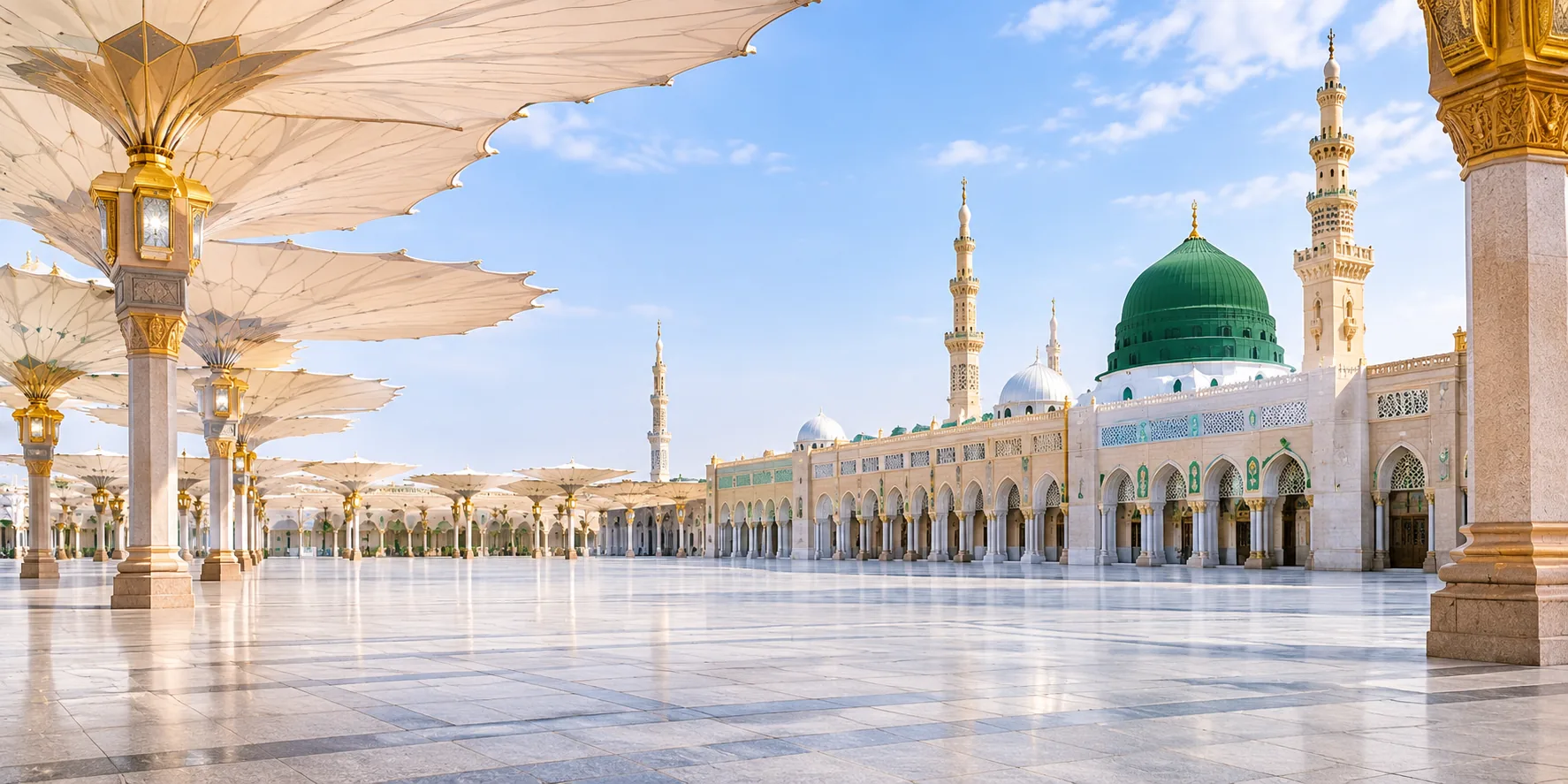
For mosques in any country
Prayer times and announcements on every TV, calm when it's time to pray
Accurate prayer times with azan and iqamah countdowns, a quiet screen during salah and khutbah, and your notices, posters and videos the rest of the time. Your committee updates it from a phone or laptop.
Works on Google TV and Android TV, or any TV with a web browser. Plans from S$96 a year.
- Official prayer times
- Quiet during salah
- Update from your phone
Screen designs
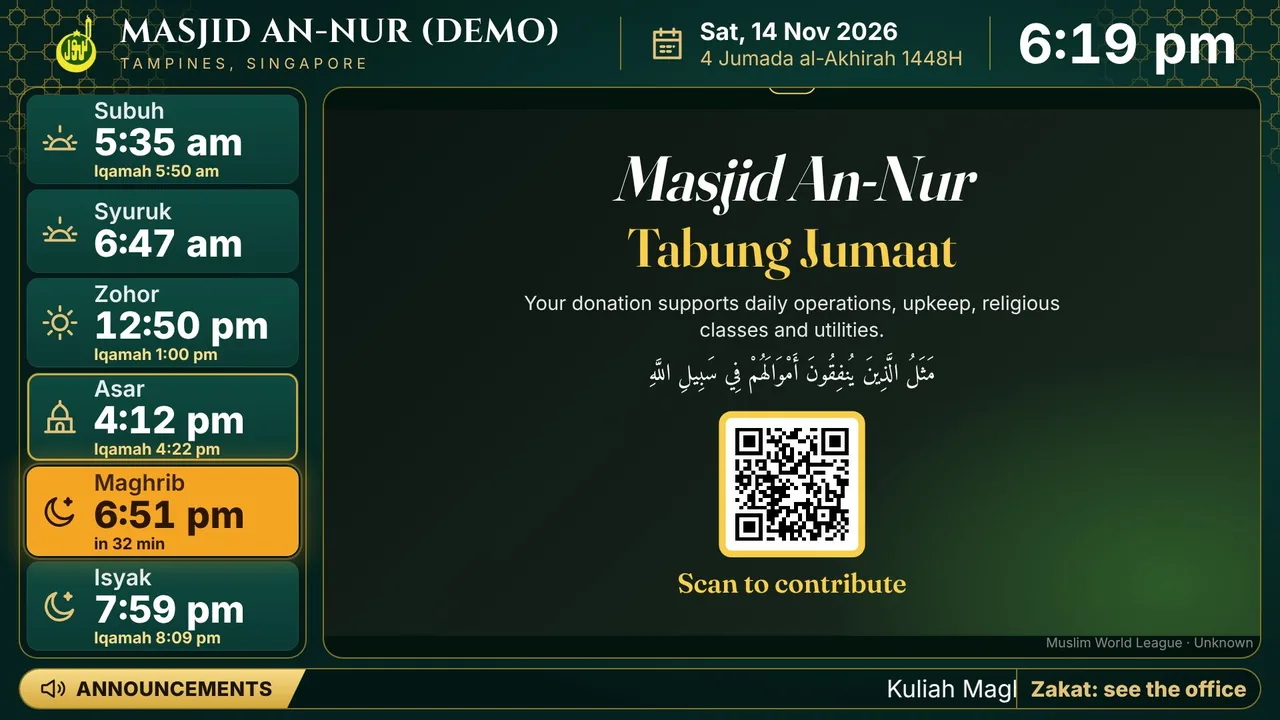
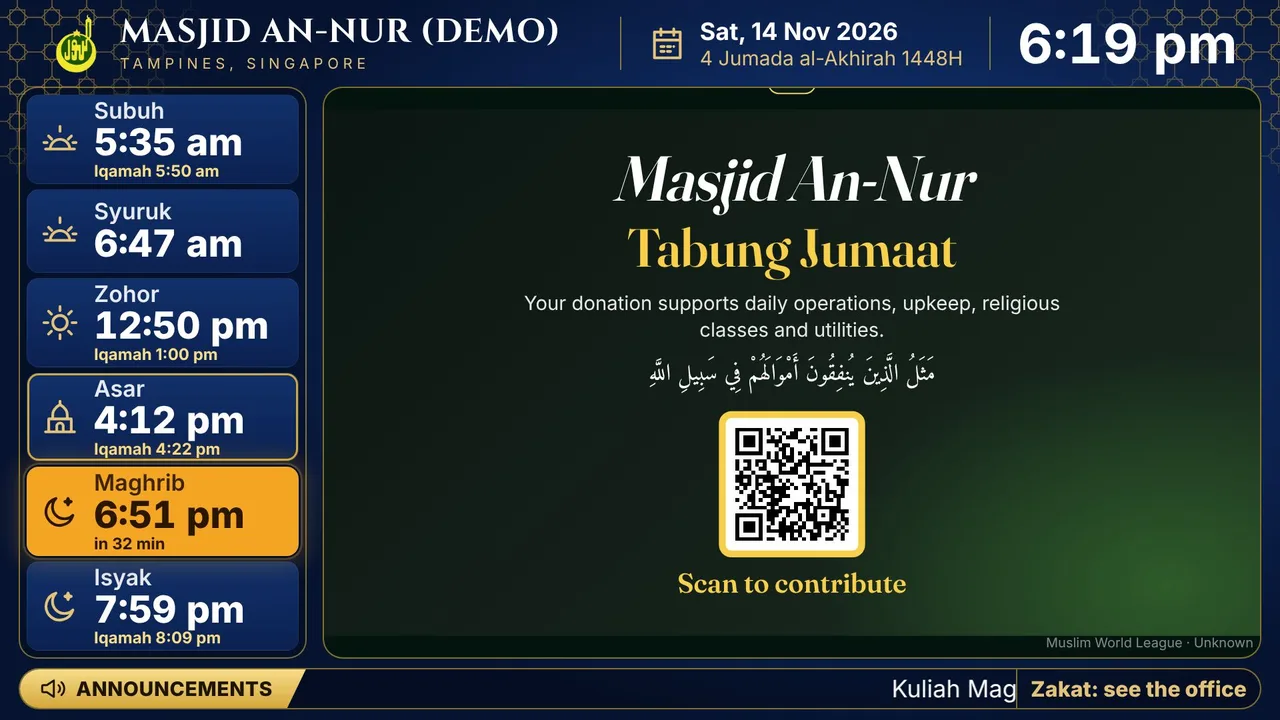
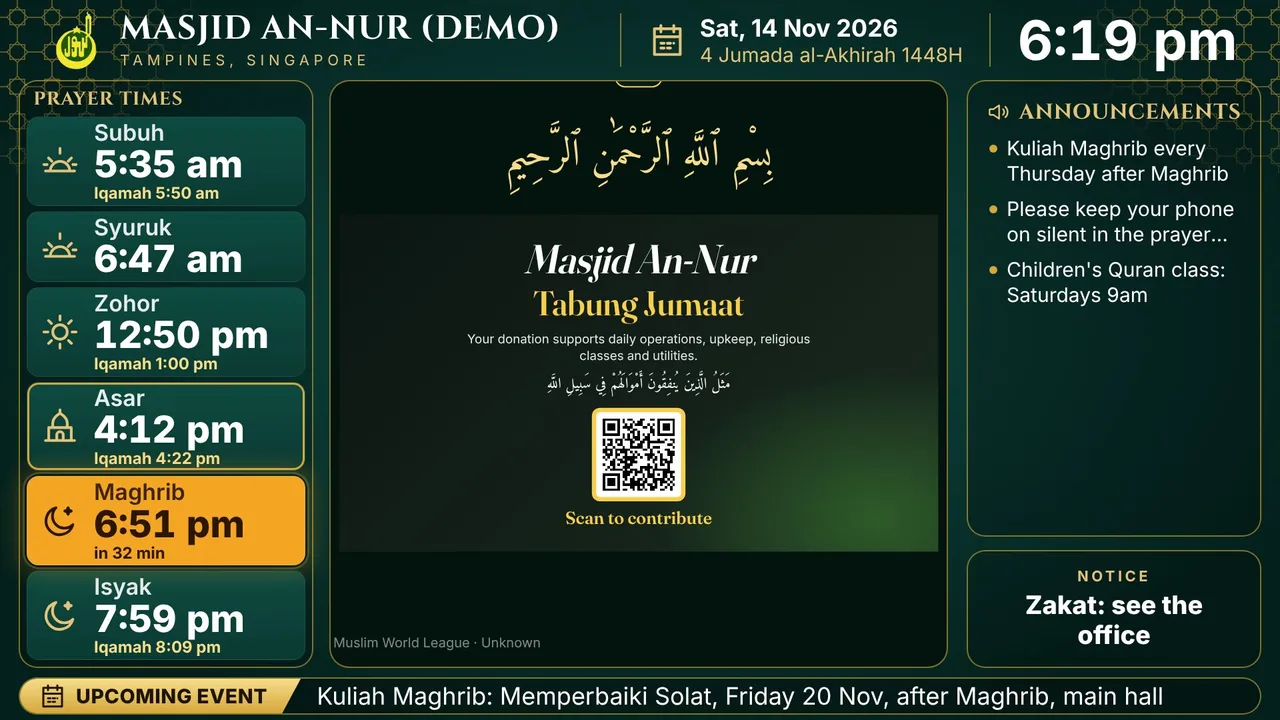
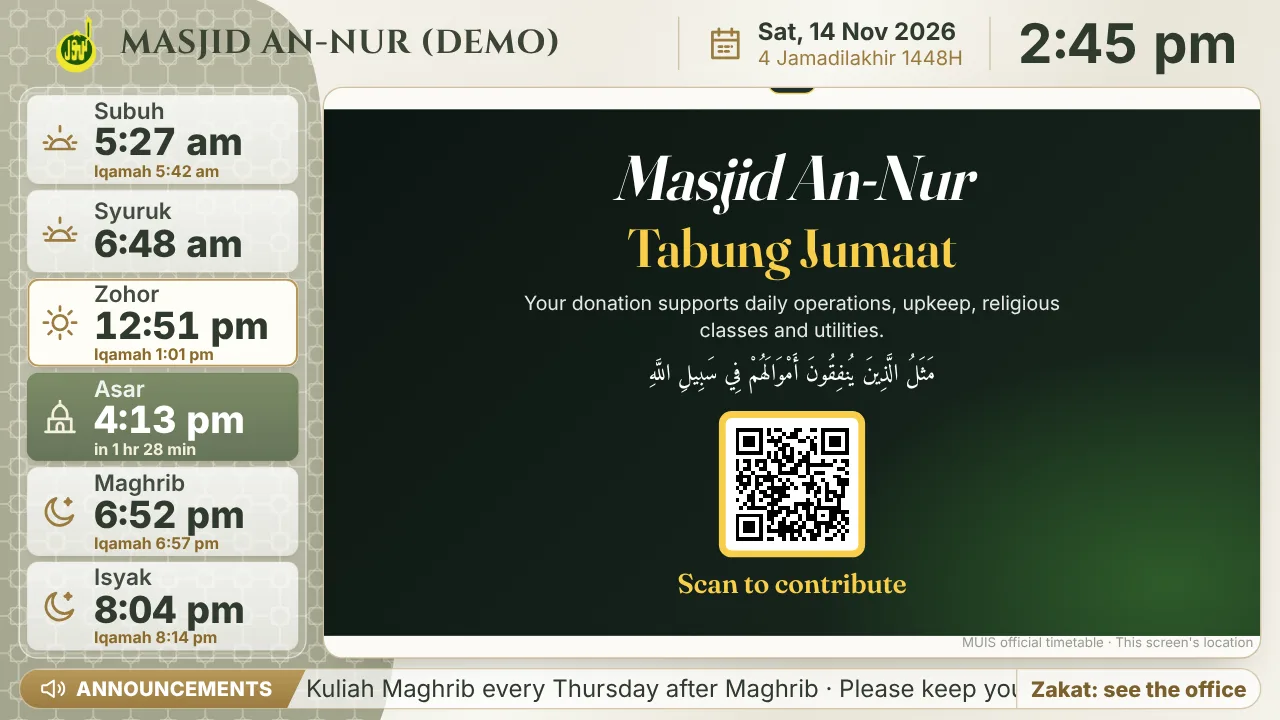
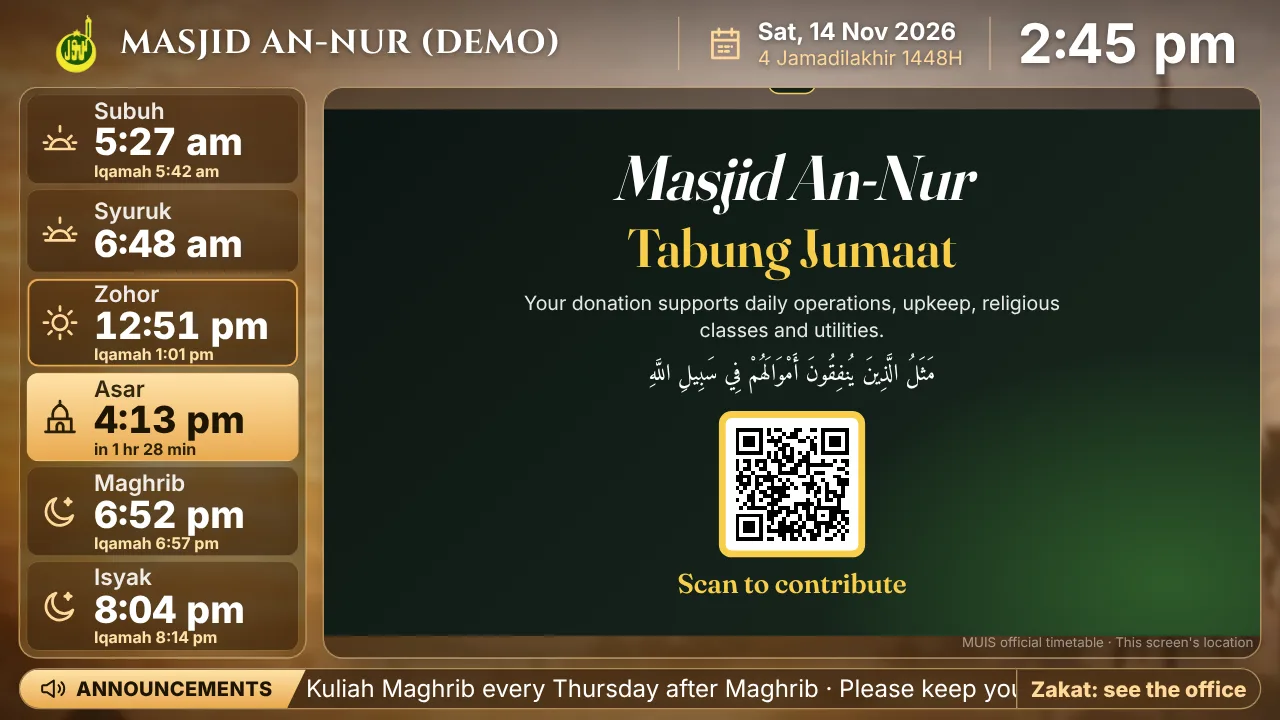
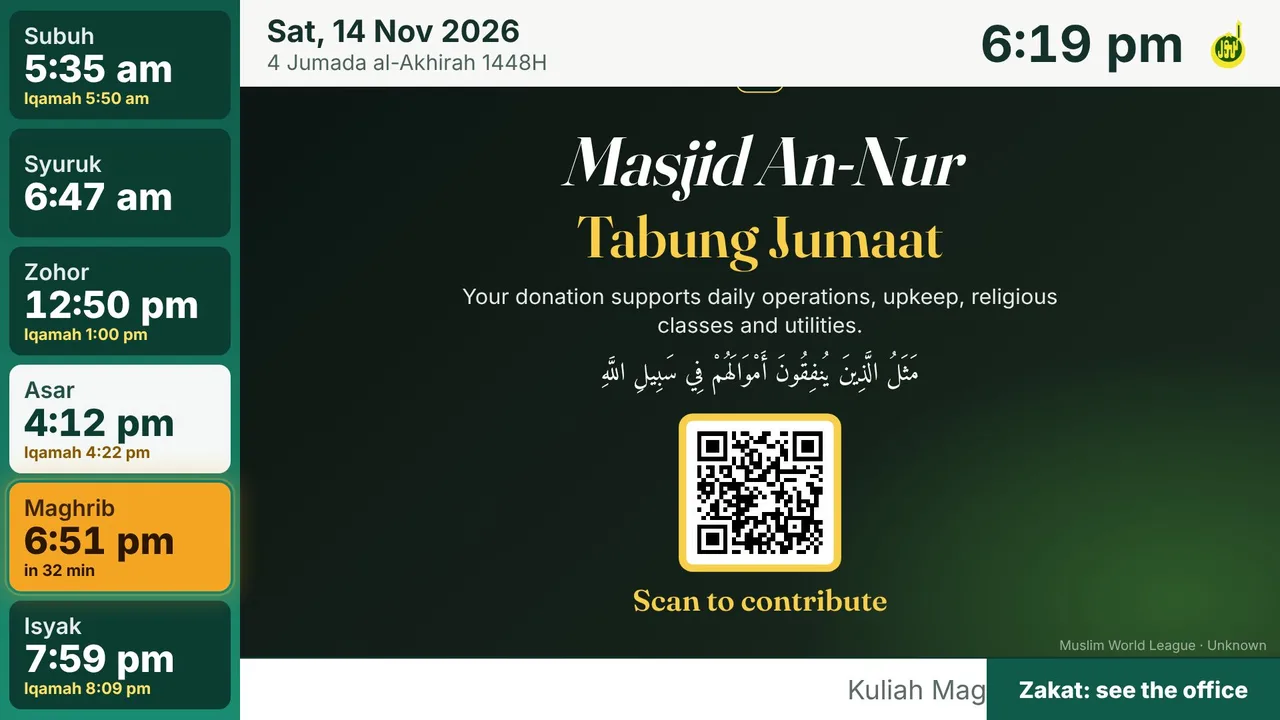
Six designs. Pick one for each TV.
Every design keeps the prayer times large and easy to read from the back of the hall, with the same countdowns, colours and prayer-time screens. Change design any time from the Screens page; the TV switches within about 30 seconds.
What it does
One screen that knows the time of every prayer.
Accurate prayer times
Official timetables where they exist, such as MUIS in Singapore and JAKIM in Malaysia, and the country's standard method everywhere else. Fine-tune any prayer by a minute to match your printed timetable.
Azan and iqamah countdowns
Each prayer shows its iqamah time. Before azan a countdown appears, then a full azan screen and a large iqamah countdown, easy to read from the back of the hall.
A quiet screen during prayer
During salah and khutbah, posters, videos and scrolling messages stop. Everything comes back by itself afterwards.
Jumaat and Ramadan
Zohor becomes Jumaat on Fridays, with up to four sessions. In Ramadan the screen adds Imsak, marks Maghrib as Iftar and shows Taraweeh.
Your posters, PDFs and videos
Upload a poster, a PDF (each page becomes a slide) or a short video. Set start and end dates so old notices remove themselves.
Control and safety
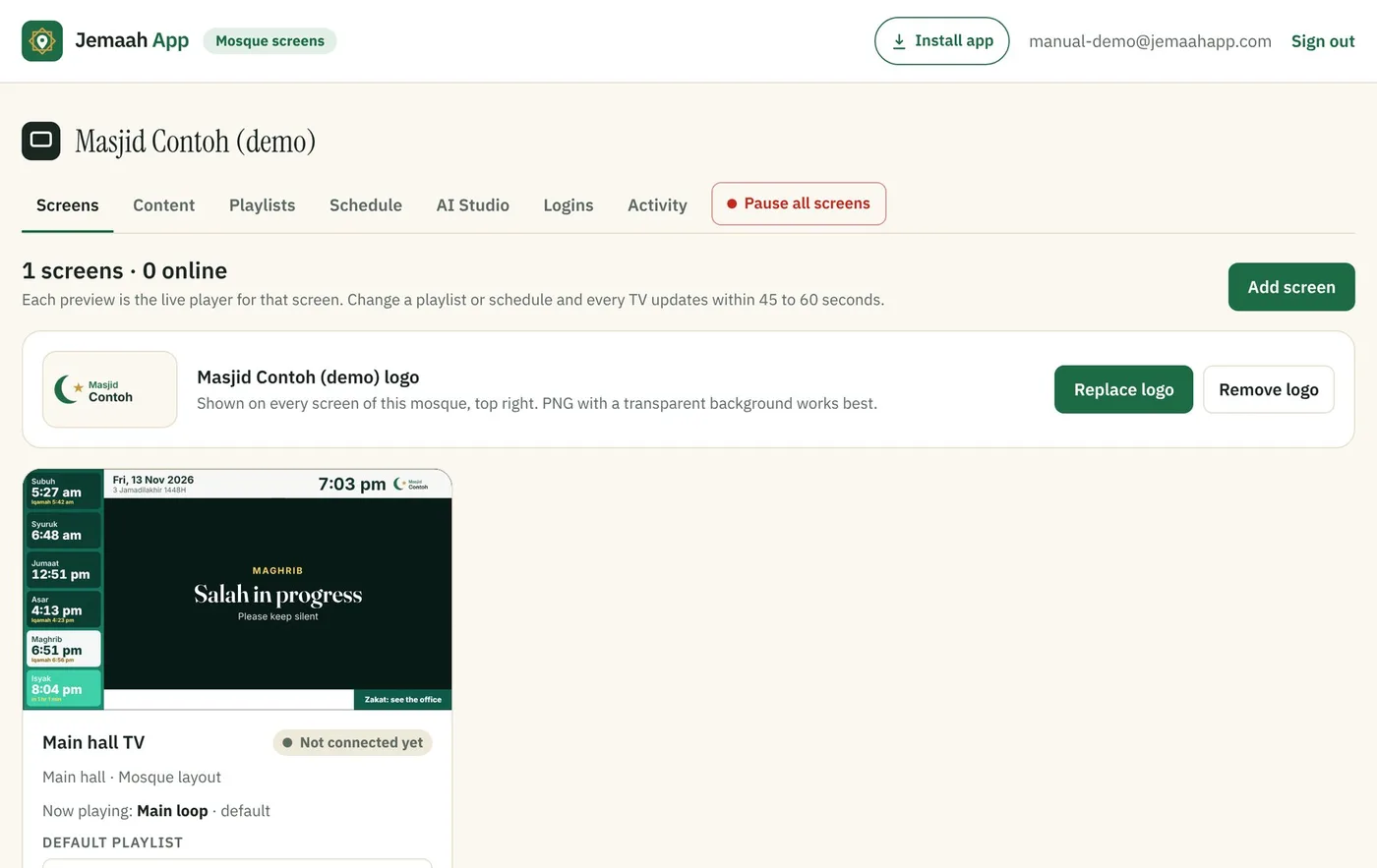
Only the committee members you add can sign in. Every change is recorded with who made it, and one button pauses every screen at once.
At prayer time
It follows the prayer times by itself.
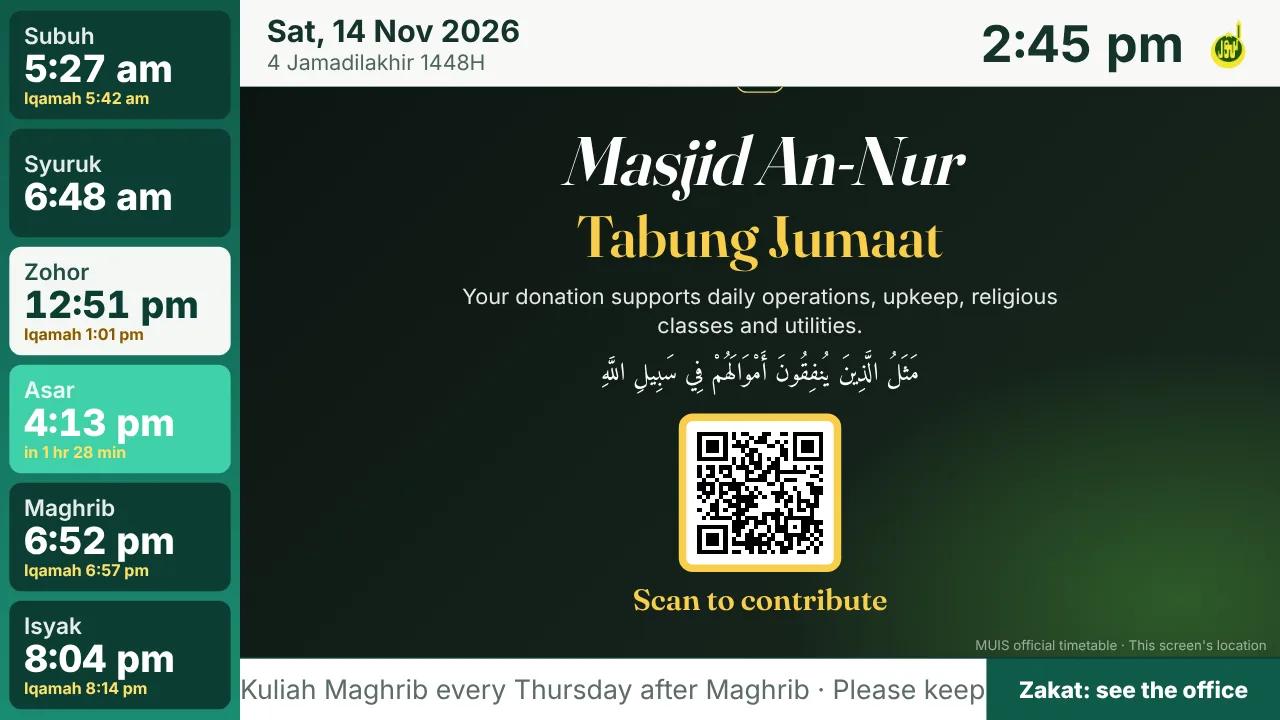
Nobody needs to touch anything. Tap through one Asar below to see what the TV shows, and when.
- Clock on the TV
- 2:45 pm
- Asar
- 1 hr 28 min to Asar
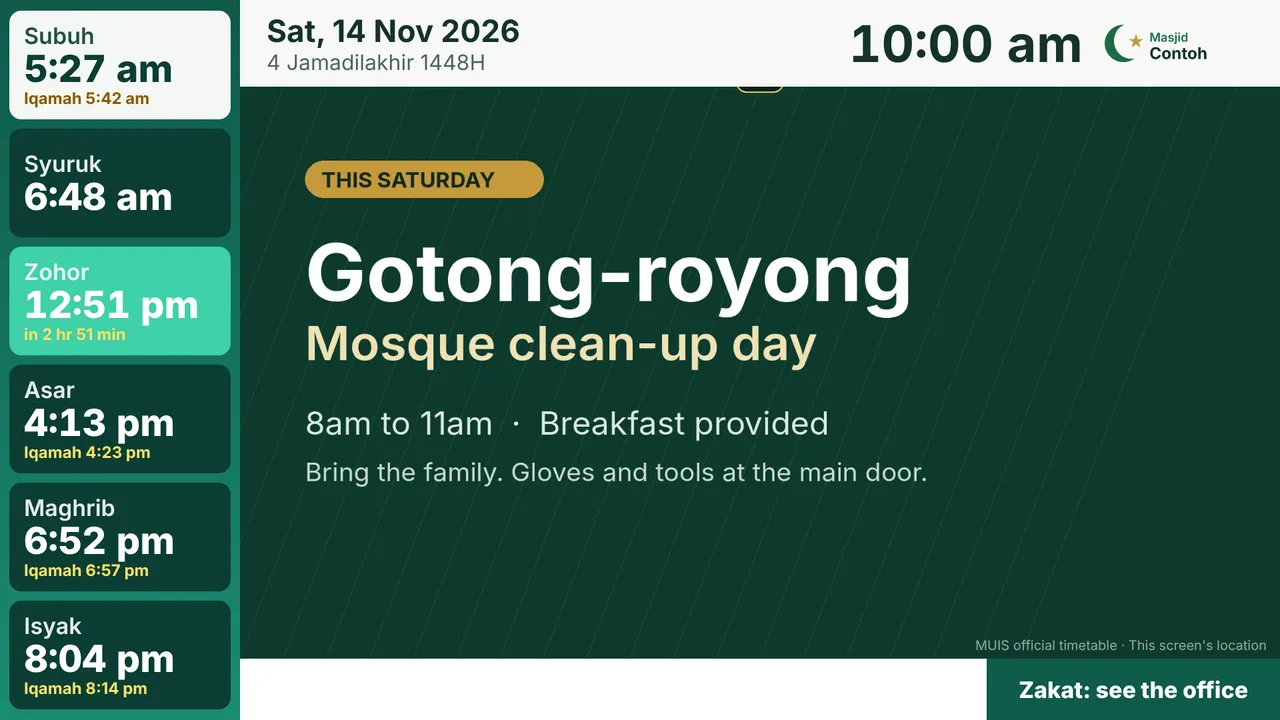
Posters play. Zohor, the prayer now, is white. Asar, the next prayer, is green and counts down underneath.
Pictures from the demo mosque in Singapore (MUIS timetable): Asar at 4:13 pm, iqamah 10 minutes later. Each mosque sets its own iqamah gap and how long each screen stays up.
For the committee
Update every screen from your phone.
- Sign in with your email. A 6-digit code each time, no password. It installs as an app on a phone or laptop.
- Playlists and schedules. Choose what plays and when, such as a weekend loop on Saturdays and Sundays.
- See every TV. Whether it's on, and a week of on, off and no-internet history.
- AI drafts. Describe a notice in a sentence and get it in English, Chinese, Malay and Tamil, to check before it goes up.
If something goes wrong
One button pauses every screen.
Every TV switches to a short message or a poster you choose, within a minute, with prayer times still running. The activity log shows who changed what, and you can remove a committee login at any time.
Getting started
Three steps.
- 1
We set up your mosque
Send us the mosque's name, logo and the emails of the people who will manage the screens.
- 2
Connect each TV
Open the free Jemaah App TV app on Google TV, or jemaahapp.com/tv in any TV browser, and type the screen code.
- 3
Add your content
Sign in at jemaahapp.com/mosque, upload your posters and set the iqamah times.
Pricing
Priced by the number of TVs.
Every plan includes prayer times, azan and iqamah countdowns, Jumaat and Ramadan screens, posters, PDFs and videos, and committee logins.
Plans are billed once a year: an invoice to pay by card or PayNow, and the next one a year later. More than 10 TVs? Ask for a quote.
Hardware and setup, by quote
Smart TV, ready to plug in
A smart TV from 32 to 98 inches with the Jemaah App signage installed and signed in to your mosque. Mount it, plug it in, and it shows your prayer times.
Mini PC for a TV you already have
A small PC behind your existing TV that runs the signage full screen, starts by itself after a power cut and is looked after by us.
All prices are in Singapore dollars, before applicable taxes.
See it on one of your mosque's TVs.
We'll show you how it works in 15 minutes and set up your first screen with you.
Already set up? Sign in to your mosque's screens